

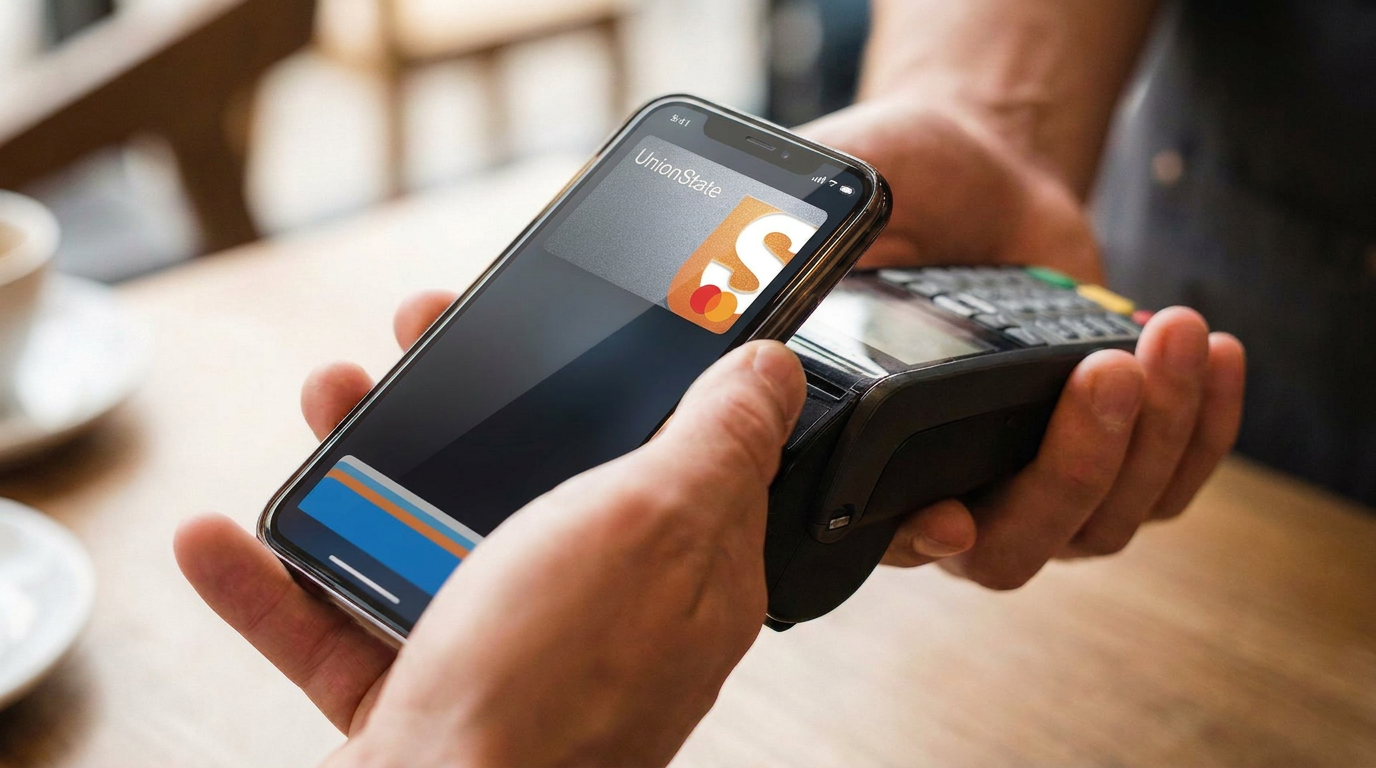
Union State Bank is making everyday purchases more convenient with mobile wallet access. You can now add an eligible Union State Bank debit or credit card to Apple Pay® or Google Pay™ and pay securely using your compatible phone, smartwatch, or other device.
Fast, Easy, and Secure
With a mobile wallet, you can make purchases at participating stores, restaurants, websites, and apps without reaching for your physical card or repeatedly entering your card information.
- Fast: Pay with a tap wherever you see the Contactless Symbol.
- Easy: Add your card in just a few minutes and enjoy a simpler checkout experience.
- Secure: Your actual card number is not shared with the merchant. Your mobile wallet uses a unique digital number and your device’s built-in security features to help protect your payment information.
When shopping in person, look for the Contactless Symbol and hold your device near the payment terminal. When shopping online or in an app, select Apple Pay or Google Pay at checkout and complete your purchase in just a few taps.
Ready to Get Started?
Apple Pay
Open the Wallet app on your Apple device and tap the + sign. Select Debit or Credit Card, tap Continue, and follow the instructions to add your Union State Bank card. Once your card is verified, you’re ready to pay.
Google Pay
Open the Google Wallet app and select Add Payment Card. Choose New Credit or Debit Card, enter your Union State Bank card information, and complete the verification process. Once verified, you can begin making contactless payments with your device.
Mobile wallets offer the modern convenience you want, backed by the hometown service you know and trust. If you need help getting started, the Union State Bank team is always happy to assist.
Apple Pay is a trademark of Apple Inc. Google Pay and Google Wallet are trademarks of Google LLC. Mobile wallet availability may vary by device, card, and merchant.
